
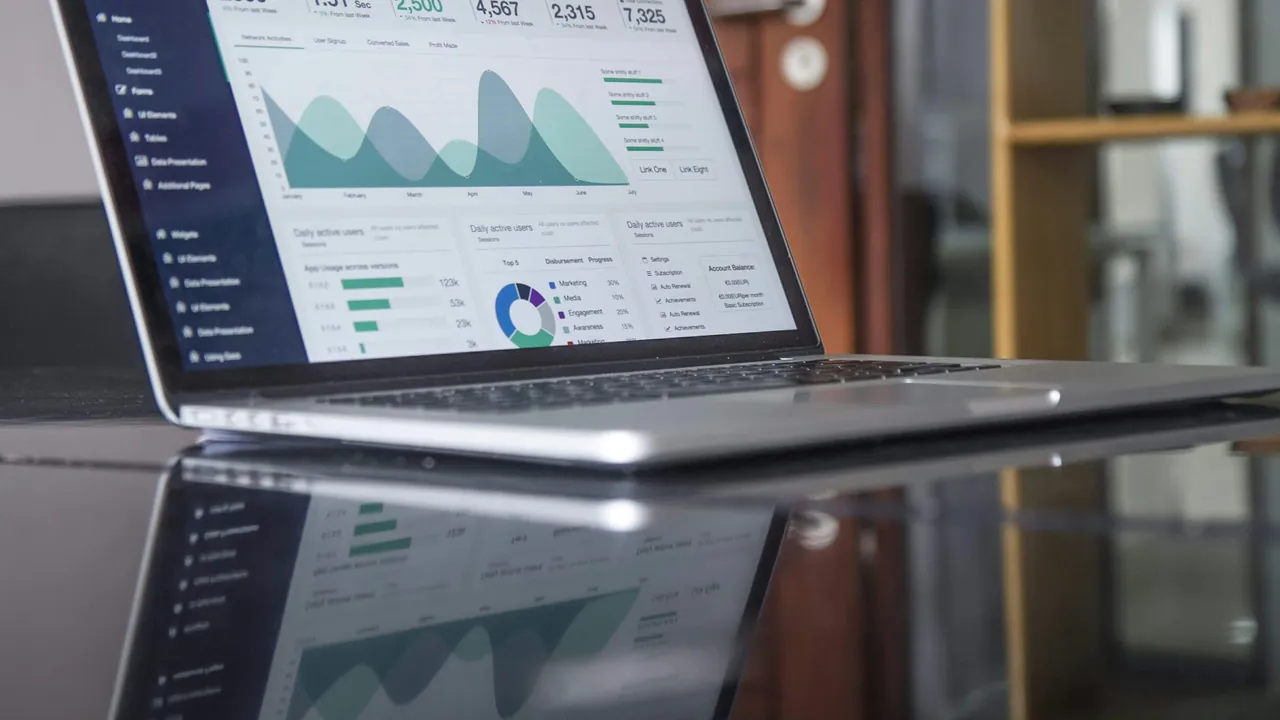
AI visibility monitoring costs nothing for a one-off check, about $20 to $160 a month for self-serve tracking software, and from $99 to about $1,148 a month once it sits inside a big SEO suite. A local trade rarely needs the top of that range. A roofer or a plumber working three or four towns has a short list of questions worth tracking, and that list fits inside the cheapest paid plans. What costs more than the software is the time someone spends each month reading the answers and acting on them.
What you are paying to watch
Monitoring means asking ChatGPT, Perplexity, Google’s AI answers and the other assistants the questions your customers ask, on a schedule, and recording who gets named. That is all it is. It does not change the answer. It tells you whether you are in it, who is in it instead, and whether that moved since last month.
It is worth watching because the answer is not the Google ranking you already track. Our Canada AI Visibility Index counted 368 trade and city markets, and in 40% of them the business holding the most Google reviews went unnamed in every AI answer we collected. A Collingwood electrician can hold the Map Pack and still be absent from the chat window, and nothing in Google Business Profile insights will tell them so.
What each option costs
The options sort into five groups. Prices below are the monthly list prices each vendor or a published 2026 roundup gives, before add-ons, and they move often, so confirm on the vendor’s own page before you subscribe.
| Option | What it costs | What you get |
|---|---|---|
| Asking the assistants yourself | Free, plus your time | Whatever you remember to type and screenshot |
| A one-off free check | Free | A snapshot of where you stand today, no tracking |
| Budget tracking software | About $20 to $60 a month | A fixed number of tracked questions, a handful of assistants, a dashboard |
| Mid-range tracking software | About $70 to $160 a month | More questions, more assistants, competitor and citation reports |
| SEO suite add-ons and enterprise tools | $99 a month as an add-on, up to $828 to $1,148 a month all-in | Large prompt databases, many brands, built for marketing teams |
What the budget plans actually include
The detail that matters at the low end is the prompt allowance, meaning how many questions the tool asks for you. Otterly’s Lite plan, for example, lists 15 search prompts at $29 a month on monthly billing, across ChatGPT, Google AI Overviews, Perplexity and Microsoft Copilot, with Gemini and Google AI Mode sold as extras. Its next plan up is $189 a month for 100 prompts. Elfsight’s budget-first roundup puts Peec AI’s starter tier at $70 a month for 50 prompts across three assistants of your choice, and LLMrefs at $79 a month flat.
Where the expensive end comes from
The top of the range is not a better version of the same thing. Semrush sells its AI Visibility Toolkit as a $99 a month add-on per domain on top of a Semrush plan. Ahrefs Brand Radar needs an Ahrefs base plan plus per-platform fees, which Elfsight estimates lands around $828 to $1,148 a month. Those plans are built for marketing teams and agencies tracking many questions across several brands. A Wasaga Beach landscaper paying that is buying capacity they will never use.
How many questions a local trade needs to track
This is the number that decides your price, and for a local business it is small. Count it this way:

- Your trades, as customers name them. A company that does roofing and eavestroughs has two, not one.
- The towns you take work in. Only the ones that bring real jobs.
- Two or three ways of asking. “Best roofer in Collingwood”, “who should I call for a leaking roof in Collingwood”, and your own business name (“is [your company] any good”).
A roofer with two trades, three towns and three phrasings has 18 questions. Trim the weakest phrasing for the smaller towns and it fits inside a 15 prompt plan. Past a certain point, extra phrasings of the same question tend to return the same names, and you pay for repetition.
The arithmetic works the other way too. If your count is a dozen, a plan sold on 100 prompts is roughly eight times more capacity than you need, whatever the dashboard looks like.
Doing it yourself, and what that really costs
You can monitor by hand for nothing. Open ChatGPT, Perplexity and Gemini, type each question the way a customer would, and screenshot the answer. Keep the screenshots in one folder with the date in the file name, so next month’s run has something to compare against.

The money cost is zero. The real costs are two:
- Time. Every question goes into every assistant, so a dozen questions across three assistants is three dozen answers to read and save each month. Set the time aside every month and do not skip one, or the comparison breaks.
- Your own history skews the answers. A logged-in assistant can lean on what it knows about you from earlier chats. Use a private browser window or a logged-out session so the answer is closer to what a stranger in Thornbury would see.
Software has its own version of that problem. Some tools query the assistants through their programming interfaces rather than the consumer apps, and the two do not always give the same answer. When a tool and your own screenshot disagree, trust the screenshot of the app your customers actually use.
What the price does not buy
No monitoring plan at any price gets you named. That part is the work on the inputs the assistants read: a complete Google Business Profile, directory listings that agree with each other, reviews on more than one platform, and site pages that say plainly what you do and where. We wrote up how a local business gets recommended by ChatGPT input by input, and in the Georgian Bay towns we studied, the assistant mostly read directory and roundup pages rather than the business’s own site.
So the honest way to budget is to split it. Spend little on watching, because watching a small question list is cheap. Spend your real budget, in money or in hours, on the inputs. A dashboard that shows you absent every month for a year is a receipt for a problem you already knew about.
Where Georgian Bay SEO fits
Our free AI visibility check, run by hand, is the one-off snapshot from the table above. We ask ChatGPT, Perplexity and Google’s AI results the questions your customers ask about your trade and your town, and email the screenshots within two business days: named, not named, or a competitor named instead. It is built for businesses that already have a strong Google profile, roughly 100 or more reviews at 4.5 stars or better, and there is no call required.
If you want the monthly version done for you, it is part of Review City at $249 a month: the same questions asked of the major assistants every month with the screenshots in a monthly AI Visibility Report, plus the work on the profiles the assistants read, routing repeat customers to Facebook, HomeStars and BBB. Both review tiers, Review Engine at $149 a month and Review City, are laid out on the Google review management page. If you are still building your Google review base, Review Engine is the right start, and it does not include the AI report.
For the wider picture of what search work costs, our local SEO pricing for Ontario is published in full, and the Ontario local SEO cost guide compares it with the rest of the market.
Frequently asked questions
Can I check my AI visibility for free by asking ChatGPT myself?
Yes, and for a first look you should. Type the question as a customer in your town would phrase it, in a logged-out or private window, then repeat it in Perplexity and Gemini. What a one-time look cannot tell you is the trend. The value of monitoring is the same questions asked the same way every month, so you can see whether anything you changed moved the answer.
Is AI visibility monitoring worth paying for?
For a local trade, a small plan or a disciplined monthly hour is worth it once you are working on the inputs, because it shows whether the work is landing. Before that, a free check tells you everything a paid plan would. Paying for a large plan before you have changed anything only buys a record of the same answer.
How often should a local business check its AI visibility?
Monthly is enough for most trades. The inputs the assistants read, such as your profile, listings and reviews, change over weeks, not hours. Many tools track daily, which is fine, but a local owner rarely needs to act on a daily change.
Which assistants should a Collingwood business track?
The ones your customers use: ChatGPT, Perplexity and Google’s AI answers cover the ground for most local searches, and Gemini is worth adding because it draws on Google’s own data. Check which of these a plan covers in its base price, because some tools charge extra for Gemini and Google AI Mode.
Want this run against your own business?
Free 15-minute audit. We pull up Google together and show you exactly where you rank, where you could be in 60 to 90 days, and the cheapest moves to get there.
Prefer to talk? (705) 539-0398